Scan or tap
A QR code on the table or a link in the group chat opens the camera in the browser.
Create one capsule for the graduation and share its link or a QR code with family and friends. Every phone shoots into it from the ceremony to the dinner with no previews. When the seal opens, everyone watches the day at the same moment.
Open it that evening, or the morning after.
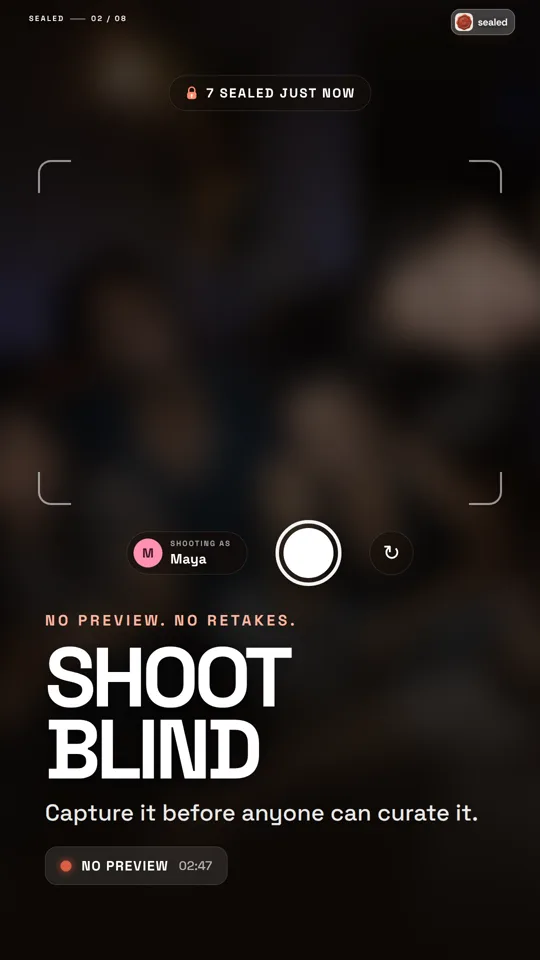
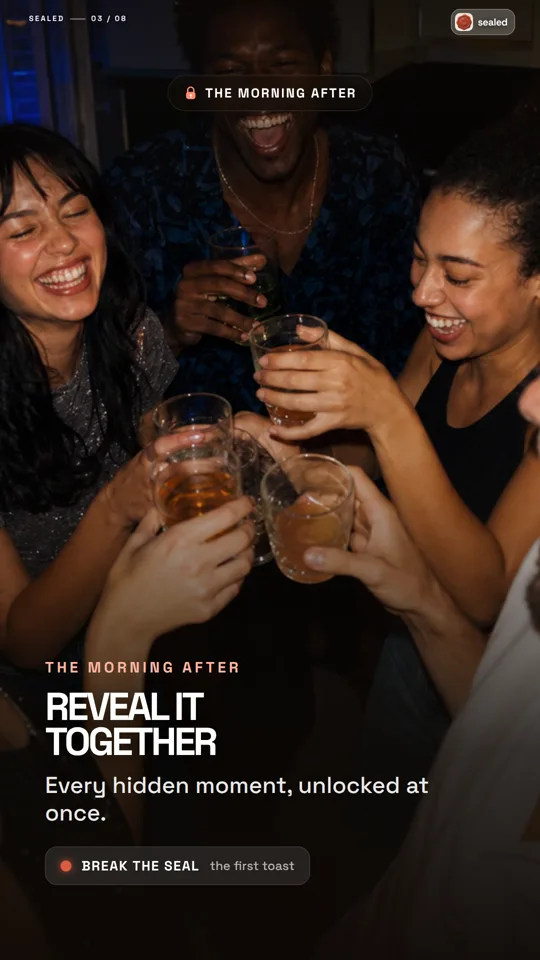
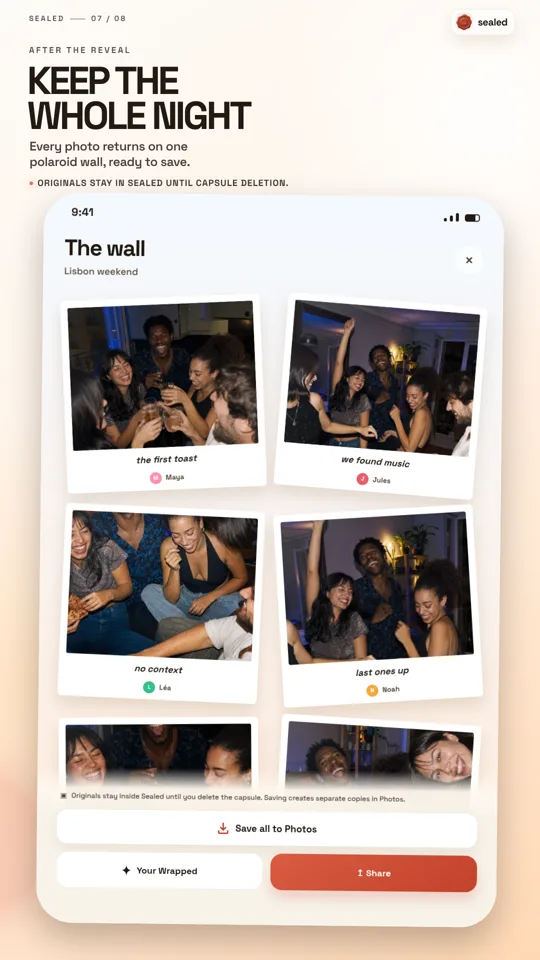
Sealed is a graduation photo app where up to 30 family members and friends join one capsule from a link or a QR code, take live photos from their own phones without seeing them, and open everything together when the host chose. Only the host installs the app, free on iPhone and Android, and the first capsule is free.
Share the capsule link or print a QR card for each table. Guests open it in their phone browser, type a first name and shoot into the capsule. No account and no download. You create the capsule in the Sealed app and everything still opens for everyone at the same moment.
A QR code on the table or a link in the group chat opens the camera in the browser.
No account and nothing to install. Every photo is sealed as it is taken and nobody sees it before the opening.
At the opening time guests see the album from the same link, on the same phone.
The link of your capsule works the same way: sealedreveal.com/j/ followed by its code.
Print table cardsNo album to chase after the party. Create the capsule, share the link and let Sealed hold the day.
Name it and choose when it opens: 6 hours for the same evening, 24 hours for the next day, 3 days, 7 days or a day and time you pick.
Guests scan the QR code or open your link, add a first name and shoot from their browser. Nothing to install, no account.
Caps in the air, speeches, the family dinner: every photo goes straight into the capsule, with no preview and no do-over.
The capsule unlocks for everyone at once: montage with soundtrack, polaroid wall and Wrapped recap. Save the photos you want to your library.
A graduation dinner or a party at home is exactly the size Sealed is built for.
One capsule covers one celebration. Several graduates can share it, or each group of friends can start its own.
The opening is yours: 6 hours, 24 hours, 3 days, 7 days or a day and time you pick, up to 13 days ahead.
Photos of a shared capsule are deleted from the Sealed server 30 days after it opens, so save what you want to keep.
Open it that evening, or the morning after.
Get Sealed for graduationEverything worth knowing, without the tiny print.
No. Guests open the link or scan the QR code, type a first name and start shooting from their browser. Nobody needs an account or an app to join. Only the host creates the capsule, in the Sealed app.
No. Guests open your link or scan the QR code and shoot from their phone browser. There is nothing to install and no account, only a first name. They can also use the free Sealed app on iPhone or Android and join with the six-character code. Everyone shoots into the same capsule and it opens for everyone at the same time. You create the capsule in the Sealed app.
Yes. One capsule holds up to 30 phones and 500 photos, whoever is in the pictures. For a big class party, let each group of friends start its own capsule.
Everyone who joined the capsule can open the album at the opening time and save the photos they want. Nobody outside the capsule can see it, and everything is deleted 30 days after the opening.
You choose at creation: 6 hours, 24 hours, 3 days or 7 days from the moment you create it, or a day and time you pick, up to 13 days ahead. It opens for everyone at the same moment and the host can only push it later, never sooner.
Photos of a shared capsule go to the Sealed server so that every member sees the same reveal. The server never shows a photo before opening, not even to the person who took it, and everything in a shared capsule is deleted 30 days after it opens.
No. Every photo is shot live inside Sealed, without preview or filter. That is what keeps the reveal honest.
Sealed is free to download on iPhone and Android and the first capsule is free. After that, creating more capsules needs Sealed Plus, a subscription shown at your store’s price inside the app. Joining a capsule never costs anything.
Create the capsule before the ceremony, share the link with the family and open it together that evening or the morning after. Free on iPhone and Android, first capsule included.
