



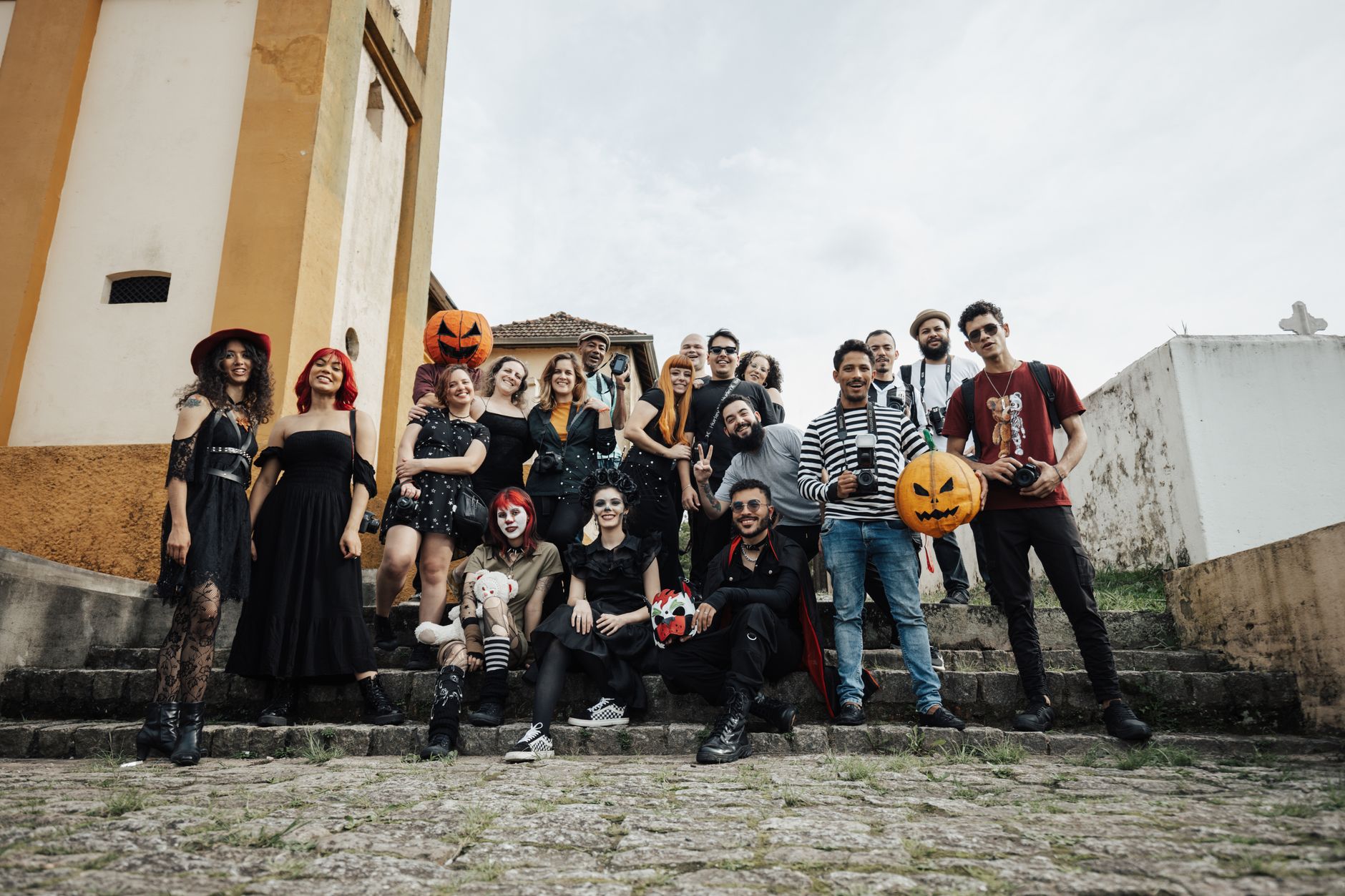
What a Halloween party camera app needs to do on the night
A Halloween party camera app has a narrower job than a general photo-sharing tool. Guests arrive in costume, the lighting is dim, hands are full, and nobody wants to stop the evening to sort out albums. The practical question is whether every guest can point their own phone, take a shot and have it land in one shared pool without fuss, and whether that pool stays hidden until the group decides to look.
That last part is what turns a pile of pictures into a ritual. When nobody can scroll back through what has already been taken, people stop curating and start capturing: the half-finished face paint, the costume reveal at the door, the moment the fog machine overwhelms the kitchen. Shared anticipation is the point, and the app should protect it rather than undermine it with live feeds and instant likes.
So the criteria worth judging are simple: how guests join, whether they need an account, whether photos can be previewed or edited, who can see them before the reveal, how long they are kept, and how the reveal itself feels.
Party! and Sealed: comparing operating fit, not feature counts
Party! appears on the App Store as a disposable-camera-style app for events. Because app listings change, read its current App Store page for how guests join, how and when photos become visible, what it costs, which devices it supports and what it does with uploaded images. Treat anything you remember about it, or anything written here, as something to confirm on that official listing before you send invitations.
Sealed is the product behind this article, so its context sets the limits of this advice. It is a free group photo capsule for iPhone and Android in which guests join a shared capsule from their own phones with an invitation or code. Everyone needs the app installed, but nobody is forced to create an account. Shots go straight in without previews, retakes, filters or camera-roll imports, and the host is locked out until the capsule opens like everyone else.
Rather than declaring a winner, match the tool to your crowd. If your guests are mixed between iPhone and Android, platform support matters most. If you want a strict no-peeking rule that even applies to you as host, check how each app handles organiser access. If some guests are wary of sign-ups, look at whether accounts are required.
Host setup checklist before the Halloween party
Most problems at a phone-based party camera come from setup that happens too late, usually when the first guest is already at the door asking for the code. Do the unglamorous work the day before, and the camera becomes something guests simply use rather than something you have to explain repeatedly.
With Sealed specifically, you pick when the capsule opens, anywhere from roughly six hours to a week after creation. For an evening party, that choice shapes everything: a short window gives you a reveal the next morning, a longer one turns it into a reunion moment later in the week.
- Confirm the current app listings and choose one tool before invitations go out.
- Create the shared capsule and decide the opening time in advance.
- Put the join code or invitation link in the party message so guests install early.
- Print a small sign by the door with the code and one line on the no-peeking rule.
- Prepare three or four themed prompts, adapted from a list of party photo challenge ideas.
- Write a one-sentence consent note to share with guests before anyone shoots.
Consent when faces are hidden behind masks
Costumes create a false sense of anonymity. A mask may hide a face, but a distinctive outfit, a voice in a video or a familiar tattoo can still identify someone. Before guests start shooting, it is worth agreeing that people should be asked before they are photographed and before any shot leaves the capsule for social media.
A shared photo consent checklist is a useful template here: who is in the group, who might not want to appear, whether children are present, and what happens to the photos afterwards. Saying this out loud at the start is less awkward than untangling an unwanted post the next day, and it fits the calm, intentional tone a delayed reveal is designed to create.
Keep the rule short so it does not interrupt the party: ask first, respect a no, and agree that nothing is posted publicly until the people in it say yes.
Worked example: a 20-guest Halloween house party
Example only, a hypothetical plan. A host invites twenty friends, roughly split between iPhone and Android. Two days before, they create a shared capsule, set it to open at 11 a.m. the next day, and paste the code into the group chat with a line asking everyone to install the app beforehand and noting that accounts are optional.
At the door, a small card repeats the code, the consent rule and three prompts: best group costume, the moment someone breaks character, and the snack table at its worst. Guests shoot whenever they like; nobody, including the host, can look. The next morning, the group gathers over coffee or on a video call to open the capsule together.
The design choice in this example is the opening time. A late-morning reveal gives everyone time to rest while keeping the night fresh, and it avoids a midnight reveal that would pull people onto their phones mid-party, which works against minimal interruption.
Planning the reveal and keeping the photos
The reveal deserves as much thought as the party. In Sealed, the group watches the photos come in with a soundtrack, then lands on a polaroid-style wall showing every shot. That works best when people open it at the same time, so name the moment in advance rather than letting it trickle out one phone at a time.
Storage is the other detail hosts forget. Sealed deletes its server copies of shared capsule photos thirty days after opening, so remind guests to save the shots they care about soon after the reveal. Whatever app you choose, check its listing and policies for retention, and tell your guests plainly what to expect.
Frequently asked questions
Can guests at a Halloween party use their own phones for one shared disposable camera?
Yes, several apps let each guest join a shared event camera from their own phone, typically through an invitation link or code. Check each app's official store listing for current platform support, sign-up requirements and pricing before the party.
How do I compare Party! and Sealed for a Halloween party?
Compare how guests join, whether accounts are required, iPhone and Android support, whether anyone can preview photos before the reveal, and how long photos are stored. Verify current details for Party! on its App Store listing and for Sealed on its official site, since features and pricing can change.
Do I need consent to photograph guests in costume?
It is good practice to ask before photographing or sharing identifiable people, even in costume, because outfits, voices or features can still reveal who someone is. Agree as a group before shooting that nobody posts photos publicly without permission from the people in them.
Sources and further reading
These resources provide the wider reference frame. Product statements on this page are limited to the public information provided by Sealed.