



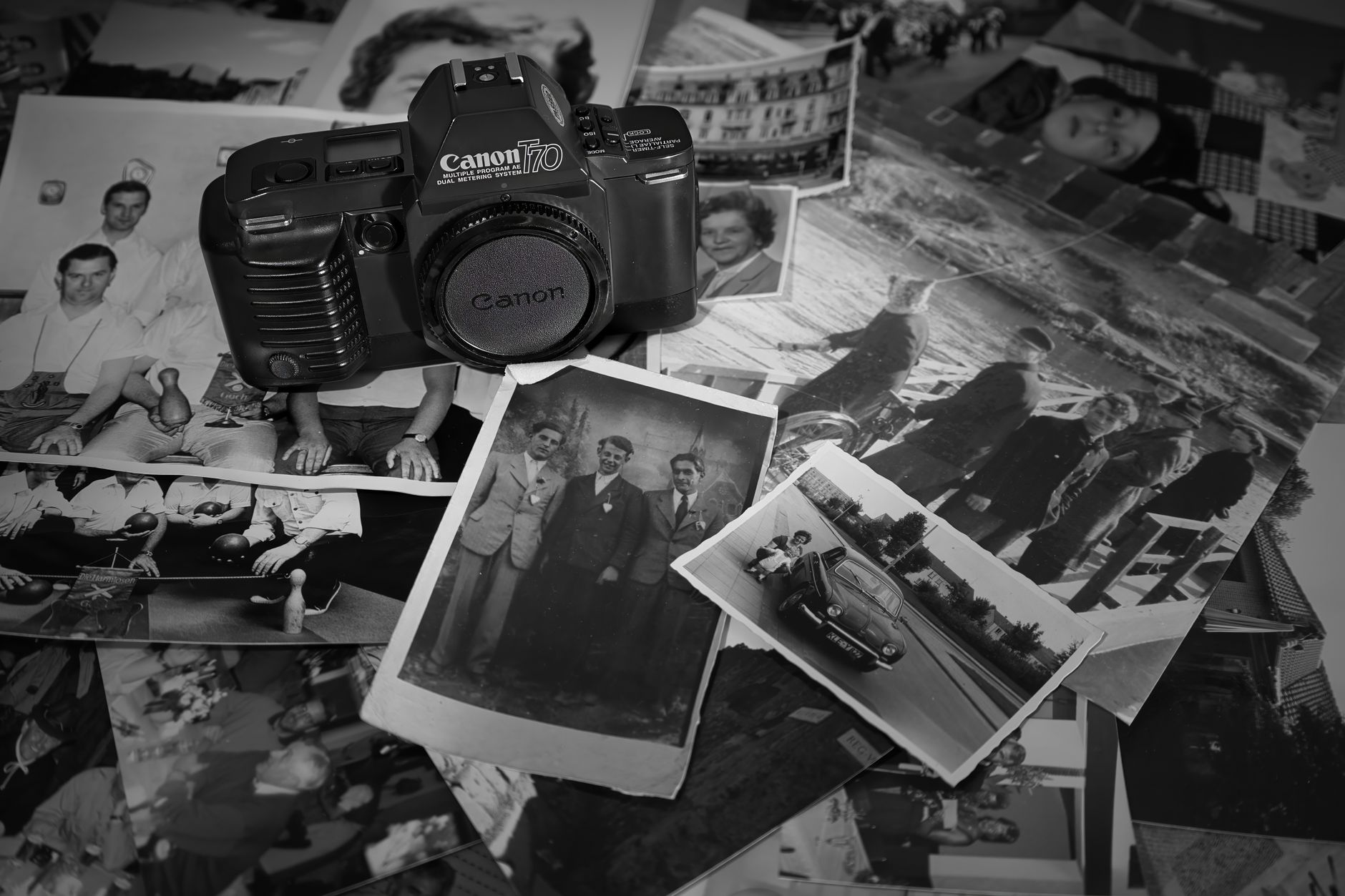
What choosing a camera for party photos actually involves
Searching for a camera for party photos usually starts as a hardware question, but it quickly becomes a question about behaviour. The device shapes how guests act: whether they stop to review every frame, whether one person ends up as the designated photographer, and whether the pictures ever leave a single phone after the night ends.
Before comparing options, decide what you want the photos to do. Some hosts want a sharp record of who came. Others want loose, candid shots that feel like the evening rather than a staged version of it. A few want the photos to become part of the event itself, something the group looks at together later. Each goal points to a different tool, and each tool has limits worth knowing before the guests arrive.
Comparing the main options for party photos
Most people choose among four broad approaches. Each trades control for spontaneity in a different way, and none is universally best. Treat the notes below as general characteristics rather than claims about any specific model, price or service, since those change over time.
The useful question is not which option takes the best picture, but which option creates the fewest interruptions while still getting photos to everyone who should have them.
- Everyday phone cameras: always available and high quality, but instant review invites retakes, and photos tend to stay scattered across individual devices.
- Single-use film cameras: tactile and preview-free, though film must be developed and frames are limited and shared physically.
- Instant cameras: an immediate print is a fun object at the party, but each shot is a single copy and supplies run out.
- Delayed-reveal camera apps: guests use their own phones without seeing results until a set time, with sharing handled by the app.
Consent comes before any camera choice
Whatever you pick, the people in the frame matter more than the device. Guests should know photos are being taken and roughly where they will end up, and anyone identifiable should agree before images are shared beyond the group. A short mention in the invitation or at the start of the evening is often enough to set expectations.
Preview-free formats reduce posing pressure, but they do not remove the need to ask. If someone prefers not to appear, respect it, and agree as a group on what happens to the photos afterwards, including whether anything may be posted publicly. Extra care applies when children are present; families should follow any child-safety guidance relevant to the tool they use.
Where a delayed-reveal app fits, and where it does not
Sealed is one example of the delayed-reveal approach, and the advice here is bounded by what its public pages describe. It turns each guest's phone into something closer to a disposable camera: a shot lands directly in a shared capsule with no chance to check it, redo it or add filters, and the organiser is locked out too until the chosen opening time. Guests join from their own phones with an invitation or code; they need the app installed, though creating an account is optional. It is free to download on the App Store and Google Play.
The limits matter as much as the appeal. The opening time is set by the creator, somewhere between roughly six hours and a week, so it suits events where waiting is part of the fun rather than ones needing photos immediately. Existing camera-roll pictures cannot be imported, and the app does not claim to detect screenshots. Shared photos are stored on servers only until 30 days after opening, so people should download what they want to keep. If you are reading a translated guide, check the current store listing in your region for language support.
Example: planning photos for a birthday dinner
Illustrative example, not a real case: Priya is hosting twelve friends for a birthday dinner that runs late. She wants candid photos but does not want guests glued to screens. Her mental filter is simple: keep phones out of the conversation, make sharing automatic and give people a reason to reconnect afterwards.
She mentions in the group chat that a shared photo capsule will run during dinner and asks anyone who prefers not to be photographed to say so. She sets the opening for the following evening, so the reveal becomes a small second moment: the group watches a music-backed playback, then scrolls a polaroid-style wall of every shot. She reminds everyone to save favourites well before the 30-day deletion. Had the dinner needed photos for a same-night slideshow, an ordinary phone camera or an instant camera would have been the better fit.
A quick checklist before the guests arrive
Use this list to match the tool to the event rather than the other way round. If several answers conflict, prioritise consent and minimal interruption; picture quality is rarely what people remember.
A good party camera disappears into the evening and returns later as a shared memory. Whether that means film, an instant print or a sealed capsule, choose the option that keeps attention on the people in the room.
- Do you need photos tonight, or can the group wait for a reveal?
- Have guests been told how photos will be taken and shared?
- Is there a plan for anyone who opts out of appearing?
- Will everyone have the needed device, app or supplies?
- Who keeps the photos long term, and by when must they be saved?
- Are children present, and have you read the relevant safety guidance?
Frequently asked questions
What is the best camera for party photos?
There is no single best camera for party photos. Phone cameras offer convenience and quality, film and instant cameras offer a tactile, preview-free feel, and delayed-reveal apps let every guest shoot on their own phone while results stay hidden until a set time. Choose based on whether you need photos immediately, how much interruption you will tolerate, and how photos will reach everyone.
Do I need permission to photograph guests at a party?
It is good practice to get consent from anyone identifiable before taking or sharing their photo, especially beyond the group. Tell guests in advance that photos will be taken and how they will be shared, honour opt-outs, and take extra care when children are present. For specific legal questions in your country, consult a qualified professional.
How long are shared party photos kept in Sealed?
In Sealed, server copies of photos in a shared capsule are deleted 30 days after the capsule opens. Members should save any photos they want to keep before then. Photos in a local capsule stay on the single phone where they were taken.
Sources and further reading
These resources provide the wider reference frame. Product statements on this page are limited to the public information provided by Sealed.