



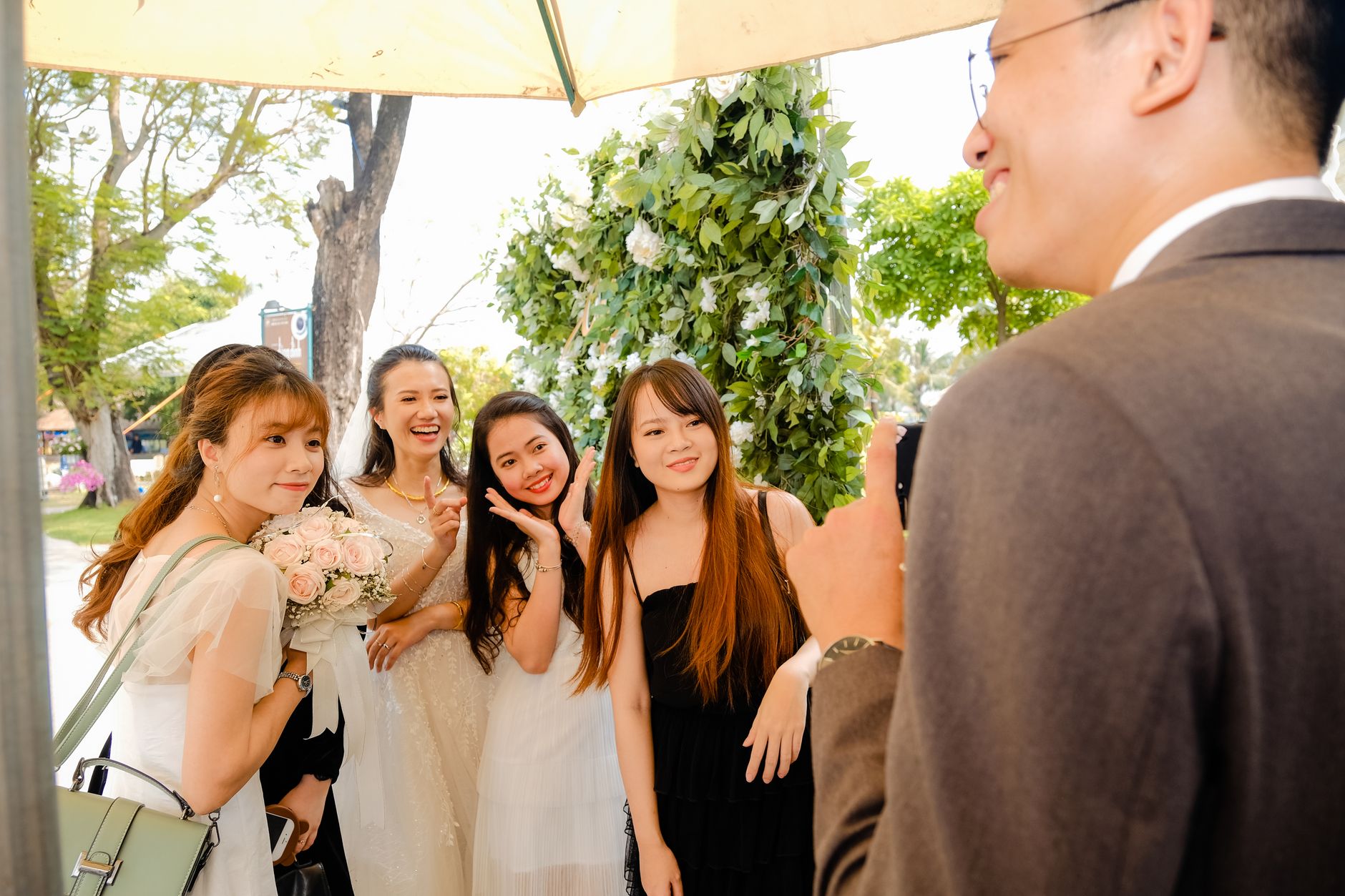
How to get wedding guests to share photos without nagging them
Guests usually mean to send their wedding pictures. What gets in the way is a vague request, an inconvenient moment or too many places to send them. The dependable way to get wedding guests to share photos is to choose one method in advance, ask once in places guests will actually notice, and give them a clear destination and a deadline. Everything else is detail.
This guide comes from Sealed, a group photo app built around opening a shared collection together at a set time. That shapes our view: we favour sharing that builds shared anticipation instead of constant checking, and that respects the people in the frame. The advice applies whatever tool you use, and it reflects editorial reasoning, not a study of real weddings. Sealed's methodology page explains how these guides are prepared.
Choose one collection method before the wedding day
The most common failure is fragmentation. Some guests text photos, some post them on social media, some email them, and most send nothing because nobody told them where. Choose one primary channel and treat any others as backups that you don't advertise.
Broadly, you have three options. You can use a shared album in a photo service many guests already use. Google's help documentation, for example, describes sharing photos and albums with other people, but features and limits change, so check the current page before printing instructions. You can use a dedicated group photo app. Or you can send an upload link after the wedding. Each one changes what you ask of guests and when you ask it.
- Many guests already use the same photo service: a shared album there is usually the easiest option.
- You want candid shots from the day itself and a moment to look through them together afterwards: consider a dedicated app with a timed opening.
- Many guests are unlikely to install or join anything: send one post-wedding upload link with a firm deadline.
- You want to see photos live during the reception: choose a method that shows uploads immediately, and accept that guests will be looking at their phones more.
Ask once, in the right places, with minimal interruption
Repeated reminders during a wedding feel like homework, and announcements during the ceremony are disruptive. Put the request where guests will see it without being interrupted: the wedding website, a small card on each table with a link or join code, and one short mention from the host after dinner.
Make the request specific. 'Please share your photos' is easy to ignore. 'Add your photos to our album by Sunday evening, using the code on your table card' tells people what to do, where to do it and by when. Name one person, perhaps a friend or a sibling, whom guests can ask for help, so the couple aren't troubleshooting phones on their wedding day.
- Test the link or code on an iPhone and an Android phone a week before the wedding.
- Print the instructions large enough to read in dim light.
- Write a brief note for guests who don't use smartphones, such as emailing photos to a named friend.
Build participant consent into the plan
Wedding photos show other people. Guests may photograph children, relatives who avoid social media, or colleagues who would prefer not to appear in a group album. Before choosing a method, decide who will be able to see the collection and tell guests plainly. A private album shared only with attendees is a different promise from a public hashtag.
Also make your boundaries clear. If you want an unplugged ceremony, say so on the website and at the entrance. If parents have asked that their children not be photographed, tell the photography helper. Don't suggest that any app prevents screenshots or controls copies once photos are shared. Check venue rules separately, and for legal questions about images, get local advice, because this guide can't provide it.
Where a delayed, shared reveal fits, and its limits
If you want guests to take photos in the moment without stopping to review them, Sealed offers that kind of thoughtful reveal. Each guest installs the free app on their own iPhone or Android phone, joins the couple's shared capsule with an invitation or code, and takes photos directly into it. An account isn't required. There's no preview, no retake and no filter, and even the couple can't look before the capsule opens. The organiser sets the opening time, anywhere from roughly six hours to a week ahead. That could be the next day's brunch, after which the group watches a reveal set to music and then browses every photo on a polaroid-style wall.
Know the trade-offs before you rely on it. Photos guests have already taken with their normal camera can't be added to the capsule, so you'll still need a backup route for them. Shared photos are stored on a server only for a period: server copies are removed 30 days after the capsule opens, so ask someone to download the photos you want to keep.
Example: a worked plan with reliability checks
Hypothetical example, not a real customer: a couple expects around 90 guests across several age groups. They choose a single primary method and print one join code on every table card. They ask a cousin to act as photo helper and plan one announcement after the speeches. Older guests are invited to email photos to the cousin instead.
The couple set the collection to close, or open, the following afternoon, then schedule a reminder to download everything within a week. They check the result against a short list instead of assuming it worked.
- Did more than a handful of tables contribute, or only the couple's close friends?
- Are there blind spots, such as no photos from the dance floor, the kids' table or late evening, that need a follow-up request?
- Has anyone asked for a photo of themselves to be removed, and has it been removed?
- Are originals saved in at least two places the couple control?
Frequently asked questions
What is the simplest way to collect photos from wedding guests?
Choose one channel, such as a shared album, a group photo app or a single upload link, and promote only that one. Put a link or code on table cards and the wedding website, set a clear deadline, and name one person guests can ask for help.
Should we tell guests who will see the wedding photos they share?
Yes. Guests are often photographing other people, including children, so say whether the collection is private to attendees or shared more widely. That lets people decide what to take and lets anyone who prefers not to appear ask to be left out.
How long should wedding guests have to share their photos?
A short, specific deadline, usually a few days after the wedding, works better than an open-ended request, because people act on clear dates. Afterwards, download and back up the photos promptly, since some services keep shared copies only for a limited time.
Sources and further reading
These resources provide the wider reference frame. Product statements on this page are limited to the public information provided by Sealed.