



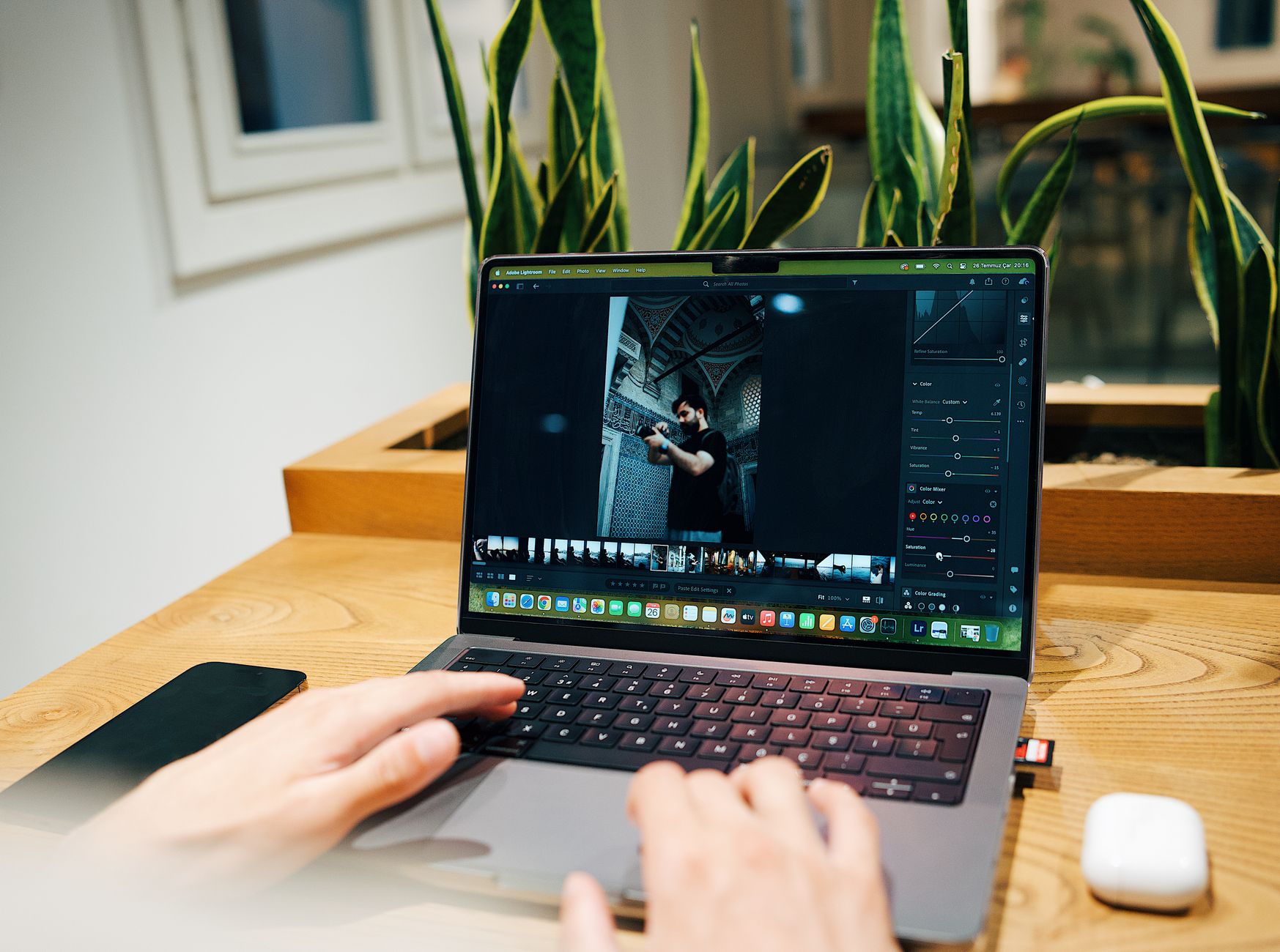
Why 'photo app for this computer' is the wrong first question
When someone searches for a photo app for this computer, they usually mean one of two very different things: an app that stores photos locally on the machine they're sitting at, or an app that simply happens to run on this computer but stores everything remotely. Those are not interchangeable, and conflating them is where most disappointment starts.
Before comparing app names or interfaces, it helps to answer a more basic question: where do the photos actually live once the shutter closes, and who besides you can reach them? That single question determines almost everything else about privacy, offline access, and what happens if you switch computers later.
This article won't rank specific apps, since features and availability change too often to state as fixed facts. Instead it walks through the criteria worth checking yourself, on whatever machine and store listing you're actually looking at.
Local storage versus shared or cloud storage
The clearest dividing line among photo apps is whether images are held on the device's own storage or synced automatically to a shared or cloud location. A local-first app keeps files on this computer by default, meaning access doesn't depend on an internet connection or another party's servers. A cloud or shared-album app usually uploads images somewhere else as soon as they're taken or imported, often to make sharing with a group effortless.
Neither approach is universally better; they trade off differently. Local storage gives you more direct control over who sees an image and when, but puts the burden of backup and transfer on you. Cloud or shared storage removes that burden but means a third party's infrastructure and policies are now part of the picture, and photos may be visible to others sooner than you intended.
A useful public resource for thinking through this trade-off in more depth is Sealed's comparison of a local photo capsule against a cloud shared album, which lays out the practical differences without assuming one is right for every group.
- Check the app's settings for where new photos are saved by default
- Look for an explicit toggle between local-only and synced storage
- Confirm whether 'delete' removes the photo everywhere or just from one device
Consent and who gets to see what, when
A photo app for this computer isn't just a technical choice, it's also a social one the moment other people appear in the frame. Before photographing or sharing images of identifiable people, it's worth having their consent, and that principle doesn't change based on which app or device is involved.
Some apps are built around instant visibility, where every photo appears to the group as soon as it's taken. Others are built around a delayed or shared reveal, where images are collected first and opened together later. The choice affects not just mood but also the practical window in which someone could object to a photo before it's already circulating.
Sealed is one example of a group photo capsule built around this delayed, shared-reveal idea: everyone contributes photos, nobody previews them individually, and the group opens the collection together. That structure is worth mentioning here specifically because it changes the consent conversation - objections or requests to exclude a photo can happen before anyone has seen it, rather than after it's already been viewed or forwarded.
A worked example: choosing an app for a weekend group trip
Example only, not a recommendation of any specific product. Imagine four friends going on a weekend trip who want one shared record of the weekend without anyone monitoring the group chat in real time for new uploads. They're deciding what kind of photo app for this computer (one person's laptop, used to consolidate photos afterward) would fit.
If they prioritize immediacy and don't mind live visibility, a standard cloud shared album where photos post as soon as they're taken would suit them, understanding that availability and exact features of any given app can change and should be checked in the current store listing rather than assumed.
If they prioritize a joint reveal experience, avoiding the anticipation-killing effect of live previews, they might look at a delayed-reveal capsule model instead, where photos are locked until everyone has contributed and the group opens them together at an agreed moment.
Either path requires the same basic homework: confirming where the images are stored, who can export or delete them, and getting a quick verbal yes from everyone in the photos before the trip starts, not after.
A short checklist before you commit to an app
Rather than trusting a single feature list, it helps to walk through a short, repeatable checklist on the actual computer and account you'll be using. This keeps the decision grounded in your specific setup instead of general marketing claims.
None of these checks require technical expertise, just a few minutes in the app's settings and privacy pages before the first group event.
- Where are photos stored by default, and can that be changed?
- Can any single participant see or export photos before the group formally shares them?
- Is there a clear reveal or release moment, or is visibility immediate and ongoing?
- How is consent handled for people who appear in shots but didn't take them?
- What happens to the photos if you uninstall the app or change computers?
- Does the app's public privacy and terms information match what you observed in testing it yourself?
Reading the fine print: privacy, terms, and store listings
Any photo app worth trusting with group images should have accessible privacy, terms, and where relevant, child-safety information published on its public site. These pages are usually more reliable than marketing copy for understanding what actually happens to a photo after it's taken.
It's also worth remembering that a translated article or interface language doesn't guarantee the app itself, its store listing, or its support is currently available in that language for your region. If language matters for you or your group, verify the current local store listing directly rather than relying on any single article, including this one.
This is a general limitation across the category, not specific to any one app, and it's one reason this article avoids stating fixed availability or feature claims for any product by name.
Frequently asked questions
What's the main difference between a local photo app and a cloud photo app?
A local photo app stores images primarily on the device itself, giving you more direct control but requiring you to handle backup and transfer yourself. A cloud or shared-album app uploads photos to remote servers automatically, making sharing easier but placing more trust in a third party's infrastructure and policies.
Do I need consent before sharing photos of other people?
Yes, as a general practice you should get consent from identifiable people before photographing or sharing images of them, regardless of which app or platform you use. This is especially relevant in group settings where photos may be seen or forwarded beyond the original group.
Does an app being available in my language mean it's fully supported in my region?
No. An app or article being translated into your language does not confirm that the app's interface, store listing, or customer support are available in that same language or region. Always check the current local store listing to confirm actual availability before relying on it.
Sources and further reading
These resources provide the wider reference frame. Product statements on this page are limited to the public information provided by Sealed.